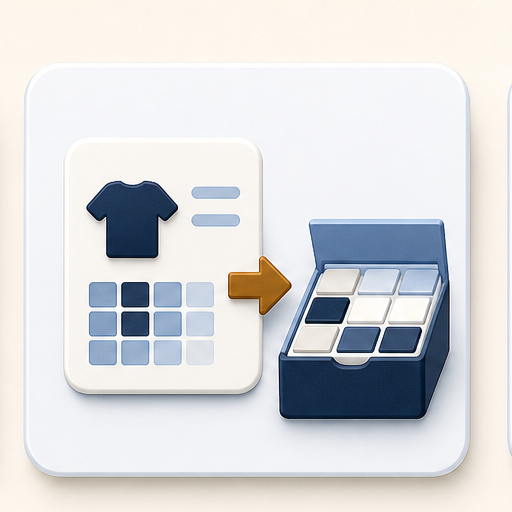
Shopify product
Search the product that already exists in Shopify and load its variants.
Start with the Shopify product buyers already know, then add a clear wholesale pack path around it.
Choose the product buyers already order from, then connect pack behavior.
Use these readiness cards to decide whether a Shopify product still needs a pack, variant mapping, or a final publish review.
Create a pack first in Pack Library, then return here to choose the Shopify product that should show those pack choices.
Start from the product buyers already know. Then choose the pack choices and confirm how the variants should be handled.
Setup steps: product, pack choices, variant handling.
Search the product that already exists in Shopify and load its variants.
Select the buyer-facing pack cards that should appear for this product.
Map size runs with dropdowns, or let carton/case packs use the buyer-selected variant.